
Ready for your
next customer.
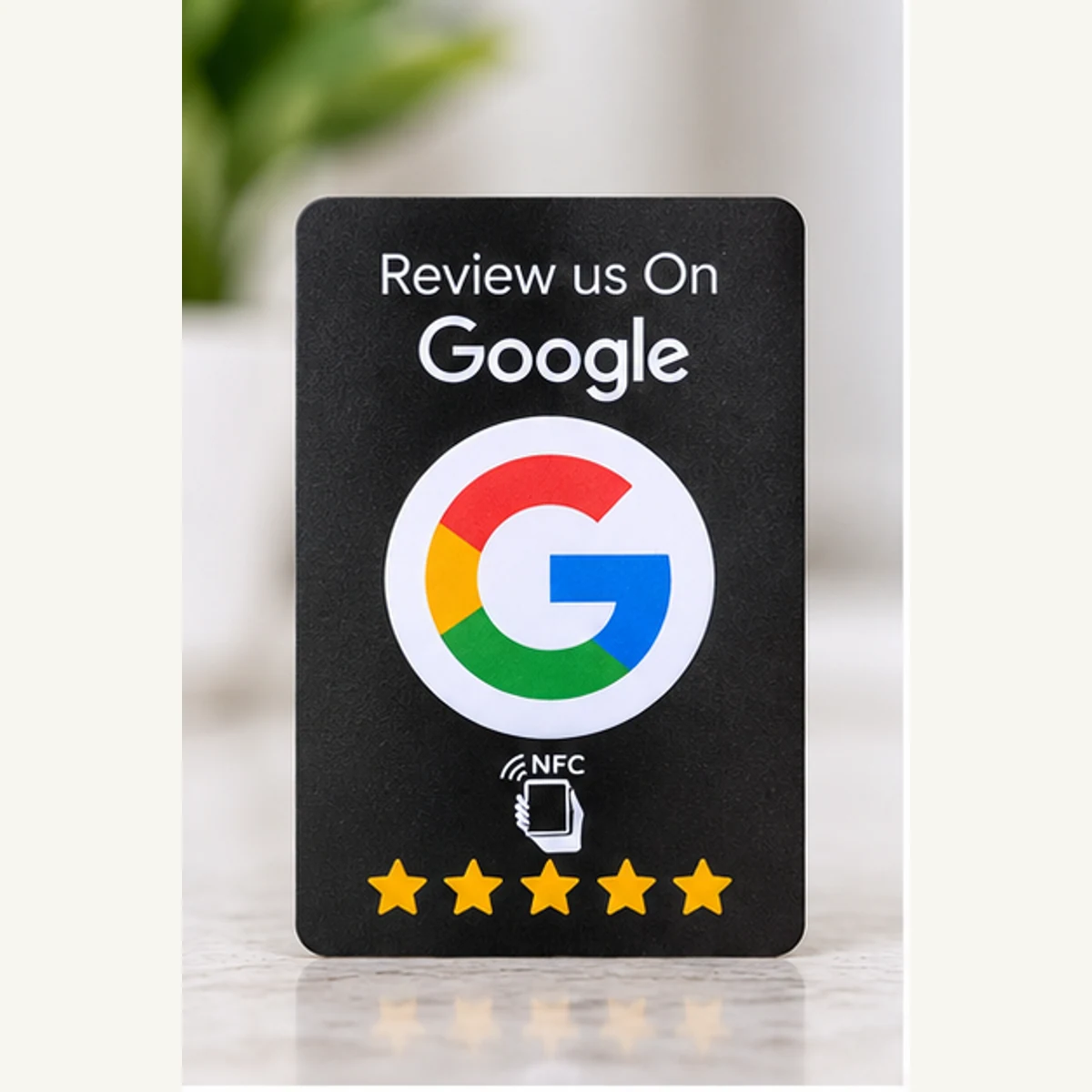
How it works
What a customer sees.
-
01
Tap
A customer holds a compatible phone near the tap point. The phone may need to be unlocked. No app for most phones.
-
02
Open
The phone reads the chip and shows your link, sometimes as an on-screen prompt to tap. On NFC + QR products, phones with a suitable camera can scan the printed code instead.
-
03
Act
Your review page or profile opens in their browser. They decide what to write, or whether to follow. Nothing is submitted for them.
Choose. Configure. Connect.
Pick the right format
Tell us where to send your customers
We configure your order
We program the NFC destination you provide before dispatch and leave the chip rewritable. You can change it later with NFC Tools on a compatible phone. Follow our NFC setup guide or email sales@madexify.com for help.
For products with a printed QR code, enter a separate QR destination when ordering. It may match the NFC link or use a different public link. The QR is fixed after printing and can be scanned repeatedly; rewriting NFC does not change it.
Dispatch is within 2 to 3 business days after payment and complete setup details.
Invite a tap or scan
Let customers choose
Placement
Put it where customers pause.
Counter
Within easy reach of where customers stand to pay or collect, facing them, not you. Keep it clear of card terminals and metal edges.
Table
One per table, turned toward the seats so a guest can reach it without standing. Somewhere it will not be moved for plates.
Pocket
Carried by staff and handed over at the end of a job or visit, while the customer is still with you.
Diagrams are illustrative. Test the tap in its final position before fixing anything down.
Questions, answered.
Hold a compatible, unlocked NFC-enabled phone close to the tap symbol. Open the link that appears. On NFC + QR products, customers can also scan the QR code with their camera.
Provide your business name and public NFC destination. Products with QR codes also ask for a separate printed QR link. The links can be the same or different.
No. Tapping opens the destination page. Customers choose whether to leave a review or follow, and may need to sign in to the platform.
We dispatch within 2 to 3 business days after payment and receipt of complete setup details. Australia Post delivery time is additional. Express Post speeds up delivery, not configuration.
The price includes the item and initial setup for NFC plus printed QR where included. There is no recurring Madexify Tap fee.
Add each item separately with its own setup details. If several items use the same link, select the quantity you need.
We program the NFC destination you provide before dispatch and leave the chip rewritable. You can change it later with NFC Tools on a compatible phone. Follow our NFC setup guide or email sales@madexify.com for help.
For products with a printed QR code, enter a separate QR destination when ordering. It may match the NFC link or use a different public link. The QR is fixed after printing and can be scanned repeatedly; rewriting NFC does not change it.